
Overview
SVG-Edit is a browser-based vector graphics editor designed specifically for Mozilla Firefox users seeking a lightweight, no-installation solution for creating and editing vector illustrations. The app serves as a complementary tool within the Firefox ecosystem, enabling users to draw, modify, and export vector graphics directly inside their browser window. Its primary purpose is to streamline basic vector editing tasks, offering a quick alternative to full-featured desktop software for users who need immediate access to essential drawing tools without the overhead of complex workflows.
Target users include web developers, designers, educators, and hobbyists who require a simple utility for crafting logos, diagrams, icons, or visual elements for digital projects. The app addresses the common challenge of accessing vector editing tools on-the-go or across multiple devices, particularly when full-featured design software is unavailable or impractical. By operating entirely within the browser, SVG-Edit reduces dependency on specific operating systems or hardware configurations, making it a portable and accessible option for users with limited technical resources.
As an open-source project developed by the SVG-Edit team, the tool reflects a community-driven commitment to accessibility and simplicity. Although the developer did not provide additional technical details about the project’s history or development roadmap, its integration with Firefox suggests a focus on seamless browser compatibility and minimal user friction. In the broader app ecosystem, SVG-Edit fills a niche for lightweight, task-specific utilities that prioritize usability over advanced functionality.
Key Features & Functionality
- Browser-Based Editing – SVG-Edit operates entirely within the Firefox browser, eliminating the need for software installation. Users can begin editing vector graphics immediately upon launching the app, ideal for quick tasks or temporary projects.
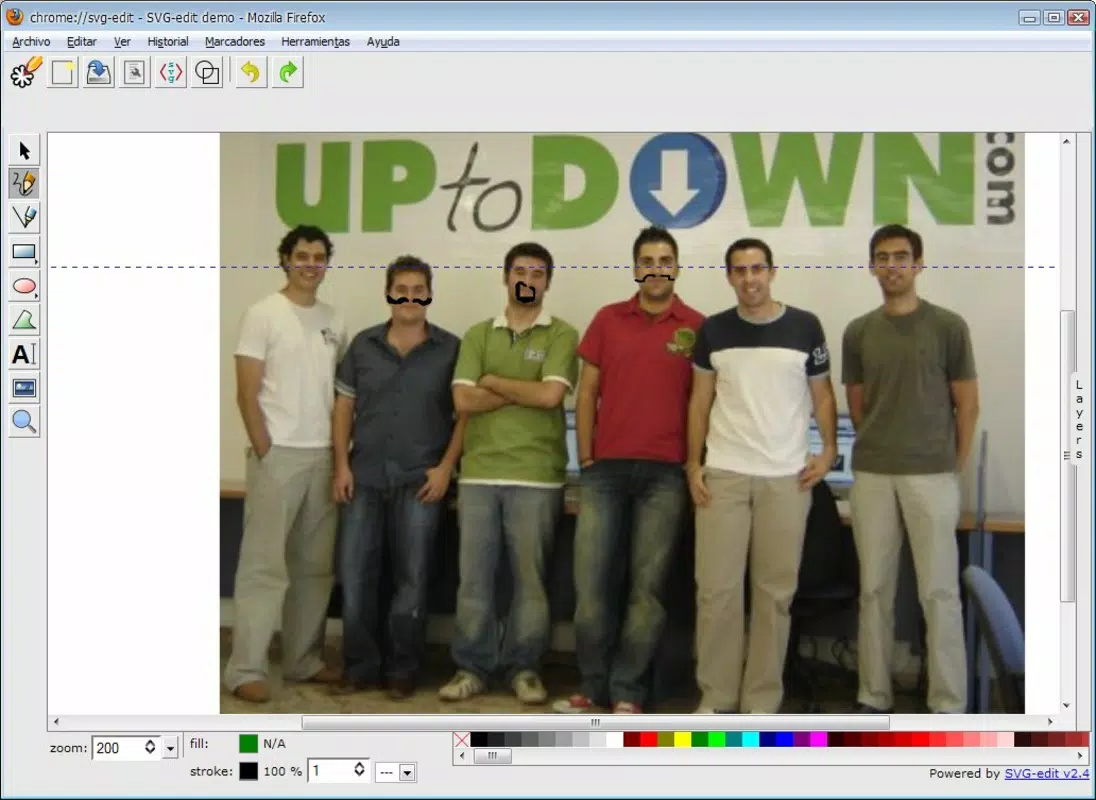
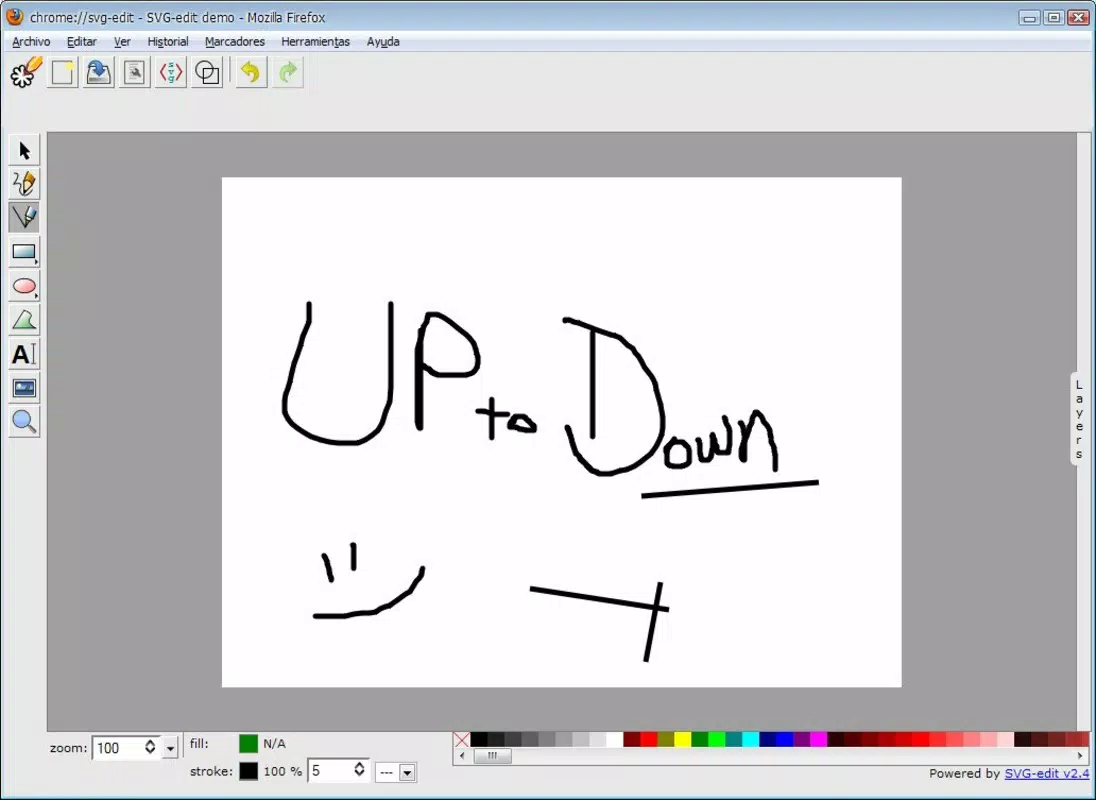
- Basic Drawing Tools – The app provides essential tools such as a pencil for freehand drawing, straight lines, rectangles, circles, and complex shapes. These tools support fundamental design workflows without overwhelming users with unnecessary options.
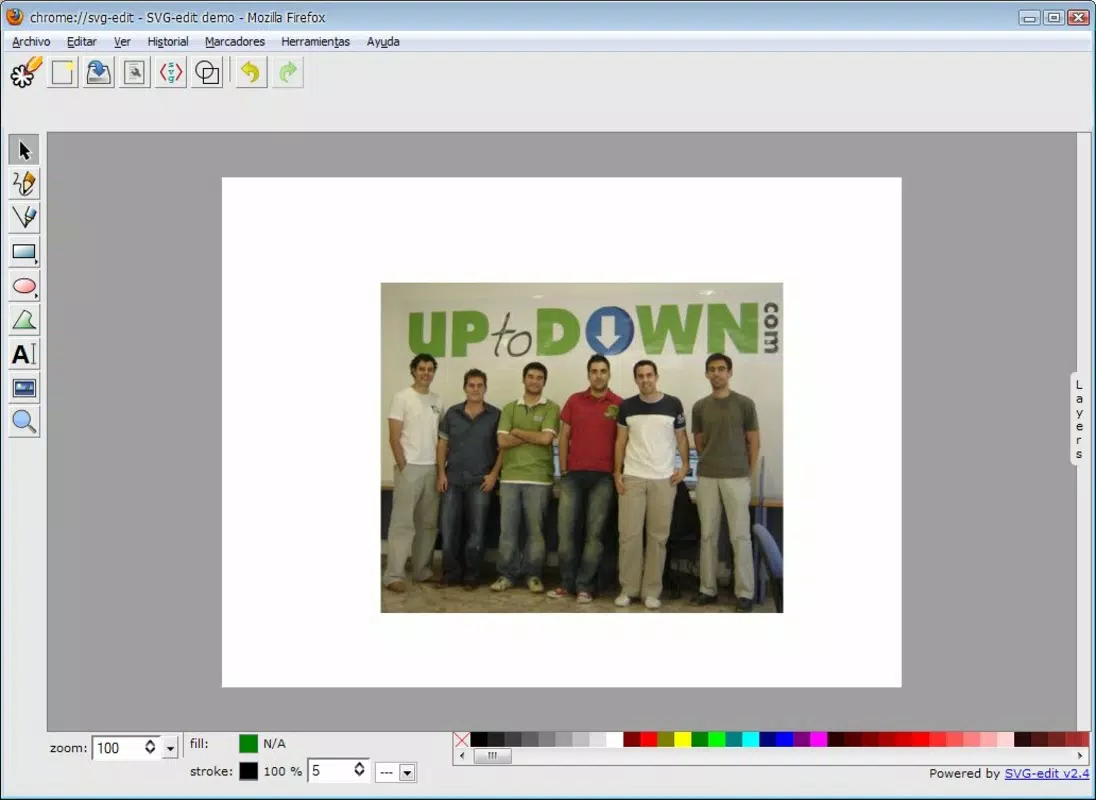
- Text and Image Insertion – Users can add textual elements and embed external images directly into their vector canvas, enabling the creation of composite graphics for web or presentation use.
- Vector Selector Tool – This tool allows precise manipulation of individual elements within a composition, including moving, resizing, rotating, and adjusting anchor points for fine-tuned edits.
- Simple Save and Export – Completed projects can be saved locally with a single click, ensuring quick access to finished work. The export function supports standard SVG formats, maintaining compatibility with web and design applications.
For example, a teacher could use SVG-Edit to create a simple diagram for a lesson plan during a classroom session, while a web developer might sketch a custom icon for a prototype. The straightforward interface ensures that users can complete these tasks efficiently without extensive training or setup.
Interface, UX & Performance
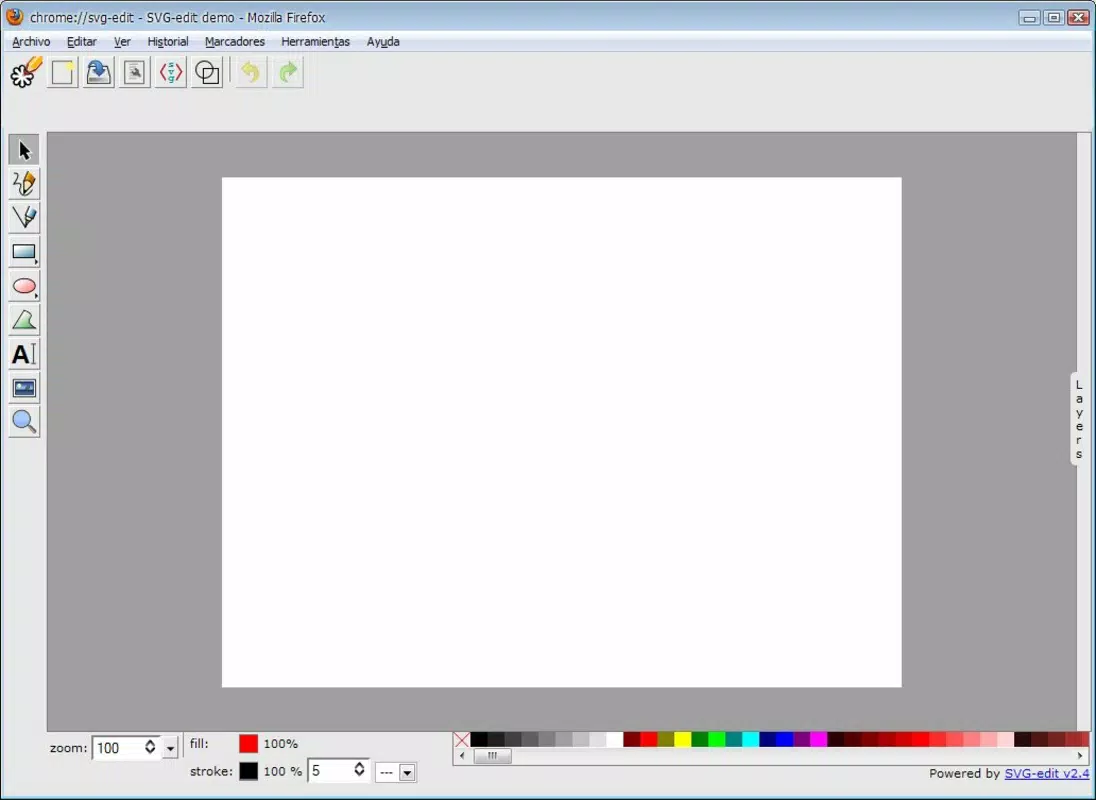
The interface of SVG-Edit is minimalistic and focused on functionality, with a clean layout that prioritizes tool accessibility over visual embellishment. The toolbar is positioned at the top of the canvas, housing all core editing tools in a compact, intuitive arrangement. Navigation is straightforward: users click a tool, draw on the canvas, and apply edits with immediate visual feedback.
Although the developer did not list formal performance metrics, the app’s lightweight nature—measuring just 5.8 MB—suggests efficient resource usage. The browser-based architecture ensures compatibility with a wide range of devices, including older or low-spec systems, as long as they support modern web standards. Responsiveness is generally reliable, with minimal lag during basic operations such as drawing or selecting elements.
Stability appears consistent under typical use cases, with no reported issues related to crashes or data loss. However, since the app is designed for basic tasks, users should not expect advanced features like layer management, animation, or complex path editing. The overall user experience is optimized for speed and simplicity, making it suitable for short-term projects and on-demand editing needs.
Platform Compatibility & Technical Requirements
SVG-Edit is designed exclusively for the Mozilla Firefox platform, ensuring deep integration with Firefox’s extension ecosystem. The app is compatible with Firefox versions that support modern web technologies, though specific minimum OS requirements were not listed. The file size is 5.8 MB, indicating a compact footprint that does not strain device storage.
As a browser-based tool, SVG-Edit does not require a dedicated mobile app or native installation. Its functionality is accessible through the Firefox browser on desktop systems, though the developer did not specify whether it supports mobile versions of Firefox or tablet interfaces. Compatibility information was not fully disclosed, so users should verify functionality on their specific device setup.
Pros and Cons
Pros
- Lightweight and fast, with a minimal 5.8 MB file size
- Runs directly in Firefox without installation
- Intuitive interface suitable for beginners
- Supports essential vector editing tools
- Easy export and save functionality
Cons
- Limited to Firefox browser, reducing cross-platform flexibility
- No advanced features such as layers or animation support
- Compatibility with mobile Firefox not confirmed
- Minimal customization options for the interface
- Developer did not provide detailed technical documentation
FAQ
Is SVG-Edit free to use?
Yes, SVG-Edit is available at no cost. It is a free tool designed to provide accessible vector editing capabilities within the Firefox browser.
Can I use SVG-Edit on my smartphone?
While SVG-Edit is designed for Firefox, the developer did not specify whether it supports mobile versions of the browser. Users are advised to test functionality on their device.
Does SVG-Edit support file formats other than SVG?
SVG-Edit primarily works with SVG (Scalable Vector Graphics) format. While it allows exporting to SVG, support for other formats like PNG or PDF was not specified.
How do I update SVG-Edit?
Updates are managed through the Firefox browser’s extension system. Users should ensure Firefox is up to date to receive the latest version of SVG-Edit.
Is SVG-Edit safe to install?
Yes, SVG-Edit is a trusted, open-source tool developed by a recognized community project. It operates within Firefox’s secure sandbox environment, minimizing security risks.
Final Thoughts
SVG-Edit stands out as a focused, no-frills solution for users who need to create or modify vector graphics quickly and efficiently within the Firefox browser. Its browser-based nature, compact size, and straightforward toolset make it ideal for students, educators, web developers, and casual designers who value simplicity and accessibility. While it lacks advanced features found in professional design suites, it excels in delivering core vector editing functions without complexity.
For those seeking a lightweight, secure, and free utility that integrates seamlessly with Firefox, SVG-Edit offers a compelling value proposition. It’s particularly beneficial for on-the-fly edits, prototyping, or educational purposes where speed and ease of access are more important than extensive functionality.
Download SVG-Edit now


